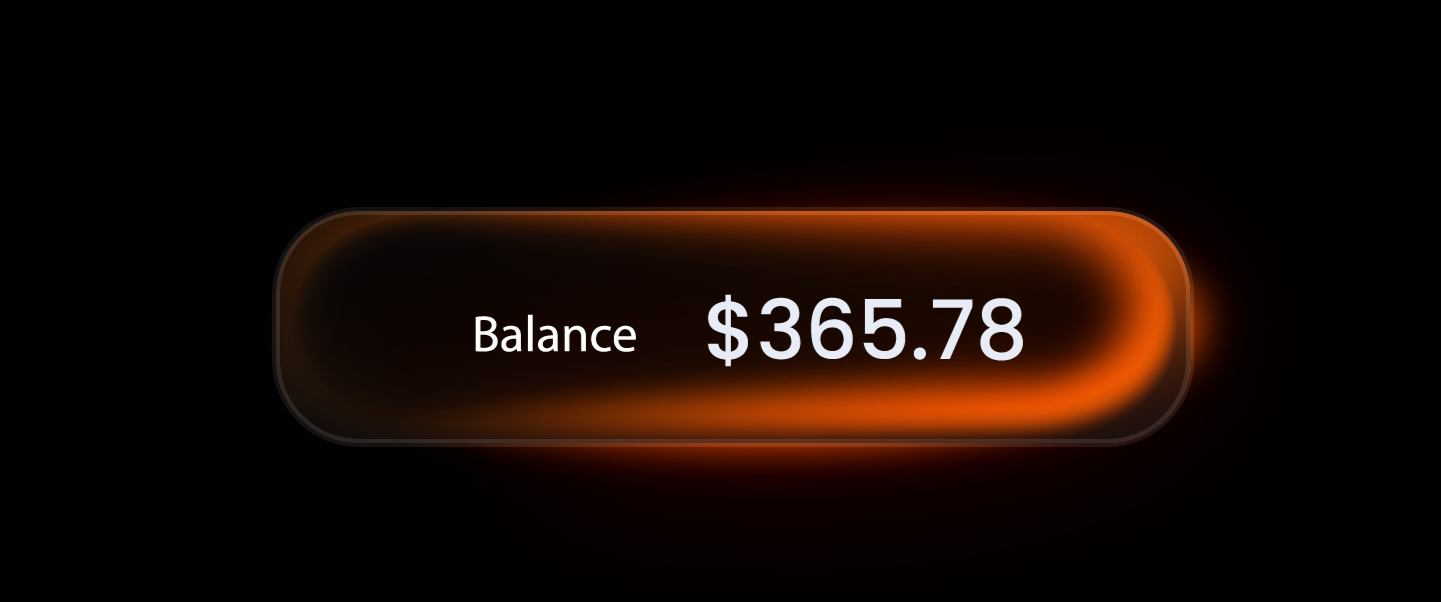
Build a stunning glass refraction effect in seconds — fully automated, non-destructive, any AE language version.
7-layer glass panel system for After Effects. Build SaaS product demos, UI mockups and tech brand animations in one click.
Scripts, tutorials and templates — all from real production experience.
Production-grade ExtendScript tools that automate what takes hours manually. Liquid Glass, text animators, parallax builders and more.
In-depth YouTube tutorials covering advanced AE techniques, AI-assisted workflows, and motion design fundamentals. Free. Always.
Motion graphics templates for Premiere Pro. Drop in, customize, export — fully editable, no AE skills required.
Glass-morphism effects in AE. 4-layer, non-destructive, null-controlled. Any language version.
Stroke-based arrows with Trim Paths, custom arrowheads and clean easing controls.
ScriptUI panel that animates text word-by-word or line-by-line in seconds.
Animated paper cutout MOGRT for Premiere Pro. Clean, editorial, ready in seconds.
Freelance motion designer and After Effects specialist. I've spent years pushing AE to its limits — writing custom scripts, automating complex workflows, and teaching what I wish I'd known early on.
Dream Chaser started as a YouTube channel. Today it's a growing library of tools and tutorials used by designers worldwide.
"The glass effect instantly makes client presentations look premium. One click and the mockup sells itself."
"One click and the glass effect is production-ready. Dropped it straight into a commercial video — client loved it."
For motion designers who want to level up their AE workflow every month.
For professionals who want the full toolkit and direct access.
Payments via Patreon. Cancel anytime. Not sure? See full tier details →
.jsx file into your After Effects Scripts folder. On Mac: Applications / Adobe After Effects [version] / Scripts /. On Windows: C:\Program Files\Adobe\Adobe After Effects [version]\Support Files\Scripts\. Then restart AE and run via File → Scripts → Run Script File, or from the Scripts menu if you placed it in the ScriptUI Panels subfolder. Each product includes a README with exact instructions.Scripts, tips, tutorials and early access — no spam.
By subscribing you agree to receive emails from Dream Chaser. See our Privacy Policy. Unsubscribe at any time.